To subscribe to a feed look out for the orange RSS icons pictured below and click them. That’s it! Your browser will display a message asking if you want to subscribe so make sure you confirm your actions.
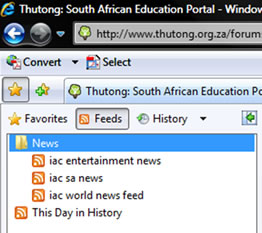
As new posts and materials are posted alert messages will be stored in your Feeds directory. In Internet Explorer 7 look for the ‘Favourites’ icon to access the feeds. 
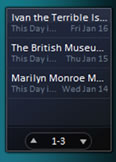
If you are a Vista user you can also have a News Feed gadget on your desktop that alerts you to the latest news.







 |
 |
 |