To upload a resource to Thutong make sure you are in the correct Learning Space. For example to upload a History resource you need to be inside the History Learning Space. Next select ‘Upload Resources’ from the left hand menu. The following message will appear.
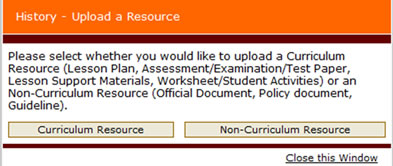
Make a selection according to the type of document you are uploading.
 |
 |
 |